
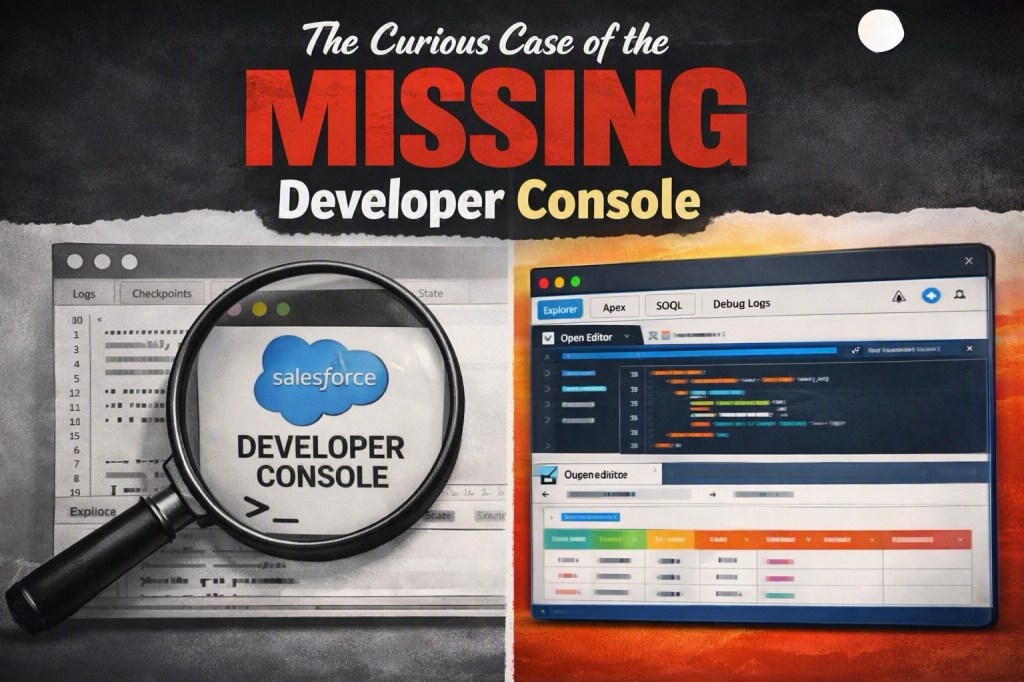
The Curious Case of the “Missing” Developer Console
If you’ve been around Salesforce long enough, you’ll remember the Developer Console — that trusty little window for running Apex, firing off quick SOQL queries, and digging through debug logs.
Recently, though, many of us noticed something odd: it seemed to have vanished from the Setup gear menu. Cue the memes, cue the “missing person” posters, and cue developers wondering if Salesforce had quietly retired one of its oldest companions.
What Actually Happened
With Release 264, Salesforce introduced the shiny new Web Console as the default editor. It’s modern, browser-native, and designed to align with today’s developer workflows. In the process, the classic Developer Console was hidden by default — but not gone.
Here’s the trick:
- Navigate to Setup → Web Console
- Toggle Enable Developer Console
- Refresh the page
And voilà — the Developer Console reappears right next to the Web Console in your gear menu.
Why This Matters
For quick anonymous Apex runs or lightweight queries, the Developer Console still feels faster and more familiar than opening a full IDE. It’s like that old Swiss Army knife you keep around even after upgrading to power tools.
But the Web Console is clearly the future. It’s more extensible, integrates better with modern workflows, and sets the stage for deeper AI-assisted development. Think of it as Salesforce nudging us toward the next era while still letting us keep our comfort blanket.
My Takeaway
The Developer Console isn’t gone — it’s just playing hide-and-seek. And while the Web Console deserves the spotlight, I’m glad Salesforce left the door open for those of us who still enjoy the old-school way of tinkering.

