
Hi Friends,
Welcome to this talk. Hope you have enjoyed our previous talk and was useful for you.
Well as you have a brief idea about Salesforce. Now you might have the question, where and how to start with it???
Don’t worry we will discuss that in today’s talk.
As it’s in the cloud, you no need to install anything on your computer. Just get connected to high-speed internet. And you are ready.
Salesforce has various subscriptions based on client’s business needs. But don’t worry you are not a client. So, Salesforce won’t charge you. I will say:

Let’s come to the point.
Salesforce provides free developer org for developers to practice and hands-on new features. It’s free for a lifetime with various limitations. But enough for developers.
Go to the URL: https://developer.salesforce.com/

And Click on “Sign Up”.
Fill in all the information and click on “Sign me up >”

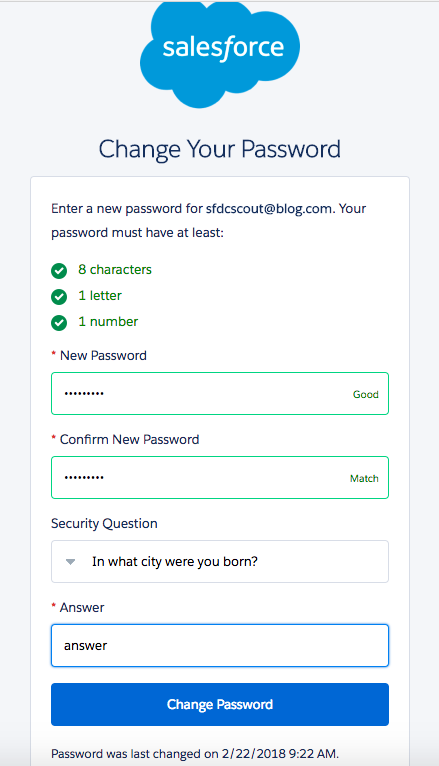
Check your email, you must have received an email to verify your Account. Just set the password and you are done.

So the org will look like this.


Salesforce has two types of Org or Environments.
- Production
- Sandbox
Note: The developer edition is a Production environment.
The URL to login to Production: https://login.salesforce.com
The URL to login to Sandbox: https://test.salesforce.com
I will recommend you to go through the trailhead topic to understand more about types of environments.
Thank you again!
Have a nice day!

