
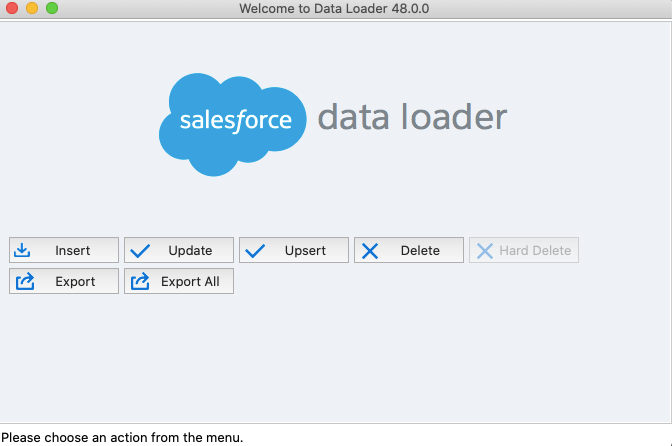
The installation procedure has changed a little bit for MAC OS. But not so complex.
Data Loader v48 is a Salesforce supported Open Source project to help you import data to and export data from your Salesforce org.
Note: It requires Zulu OpenJDK 11 to run.
- So the 1st step is to download and install Zulu OpenJDK 11. Follow below steps:


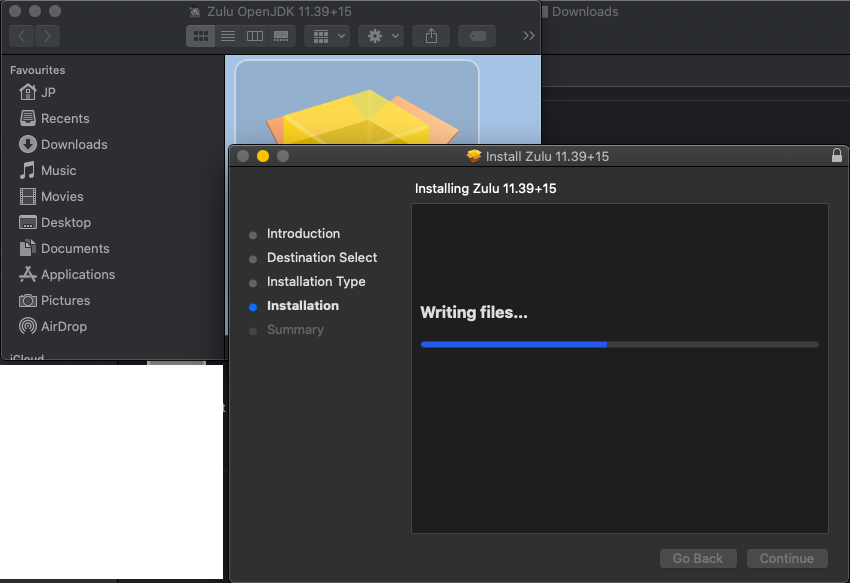
- Scroll down to ‘Java 11 (LTS)’ -> macOS 10.13 or later -> Click ‘.dmg’ and download the file and follow standard mac os installation process.
- Download the data loader from salesforce. Use bellow steps.
- Login to salesforce sandbox/production.
- Go to Setup -> Integrations -> Data Loader -> Click on Download Data Loader for Mac

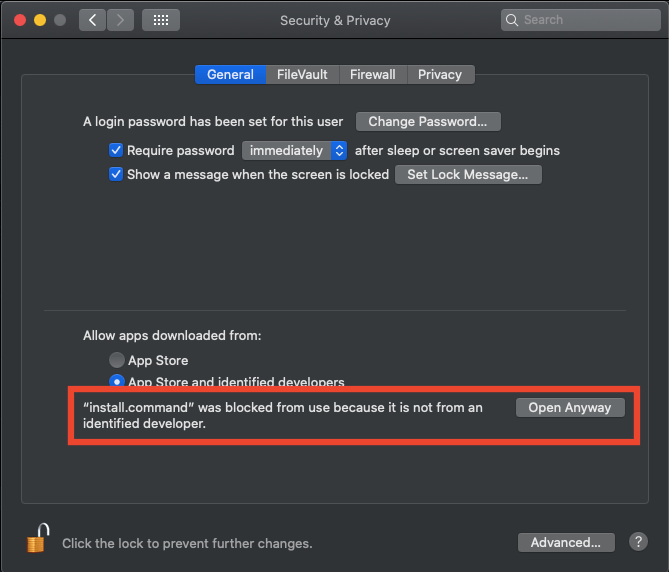
- Export the data loader downloaded file and install, but it won’t allow you to install due to unidentified developer. Follow below step to proceed.
- Double click on ‘install.command’ file
- Open System preference
- Open Security & Privacy
- Click the lock to make changes
- Click ‘Open Anyway’ in the ‘Allow apps downloaded from:’ section.
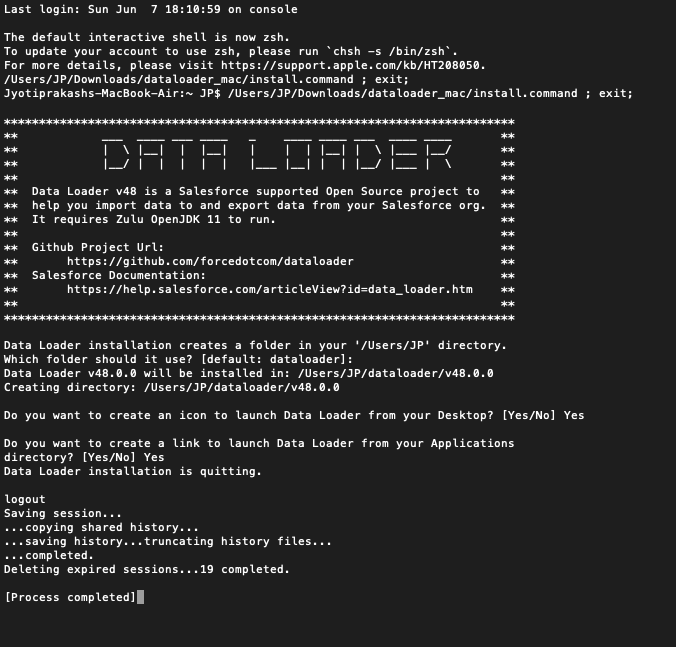
- Now its next next finish time (it will open the command prompt, you just need to enter Yes and enter till it shows success message). See below screen shot.
Github Project Url:
https://github.com/forcedotcom/dataloader
Salesforce Documentation:
 JPs Blog